Woovi POS: get paid with Pix on the printer you already have

A simpler and cheaper way to sell
We innovate the way for your customers to make payments via Pix. No app, no machine and the best: you get paid right away.
Automatic printing
Woovi POS prints the QR Code as soon as the charge is created and the receipt as soon as it is paid, with no clicks at the counter.
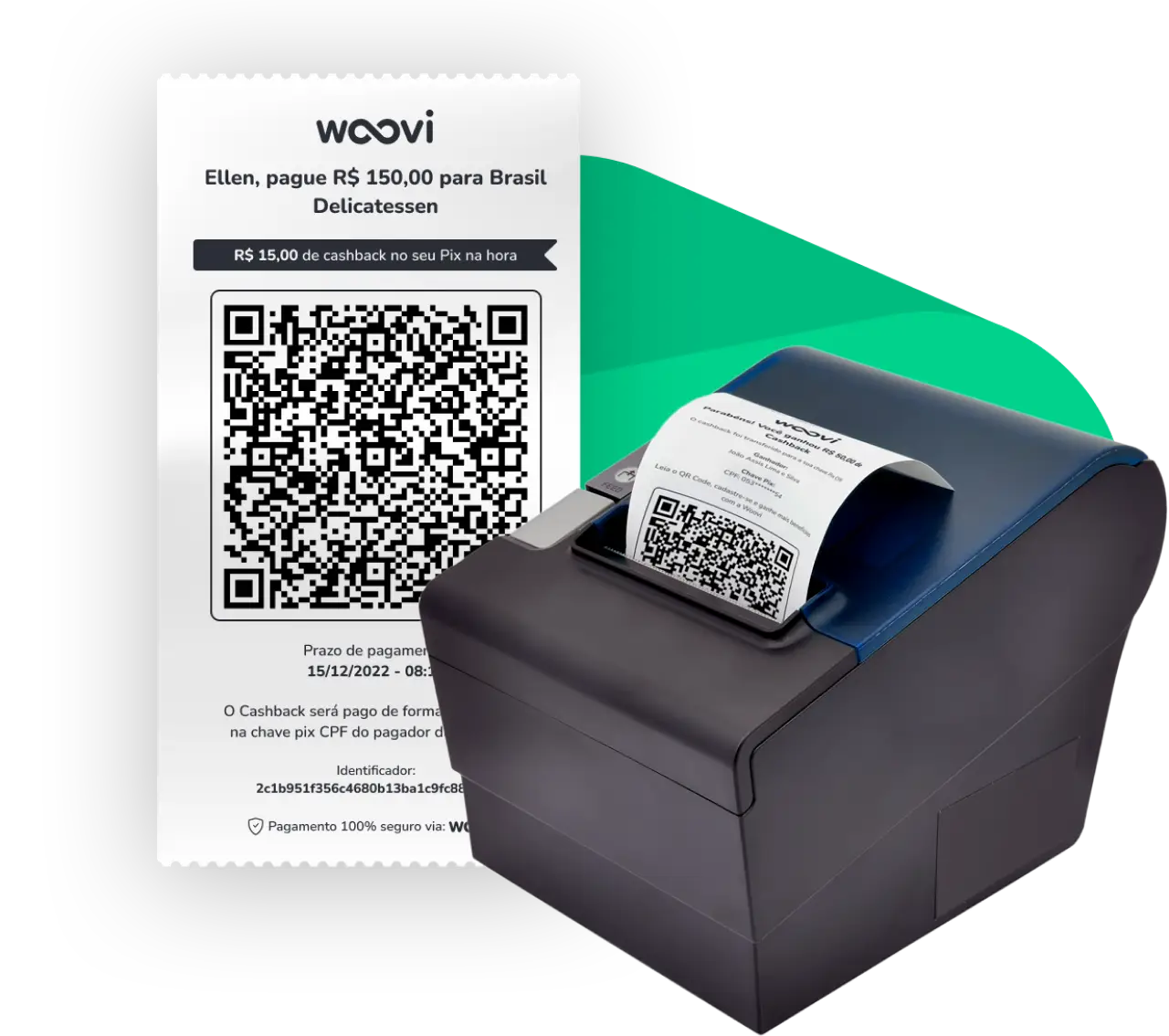
When charging, use Woovi POS.
Woovi POS is the evolution of payments via Pix. You charge your customers with a Pix QR Code printed on the thermal printer you already use, with no equipment to buy or rent and no monthly fee.
Woovi POS pricing
No monthly fee and no equipment rental. You pay 0.80% per Pix received (minimum R$ 0.50, maximum R$ 5.00) or a fixed R$ 0.85, depending on your plan.
See plans and pricingFrequently asked questions
No. Woovi POS only charges with Pix: it prints a QR Code that your customer pays with any bank app.
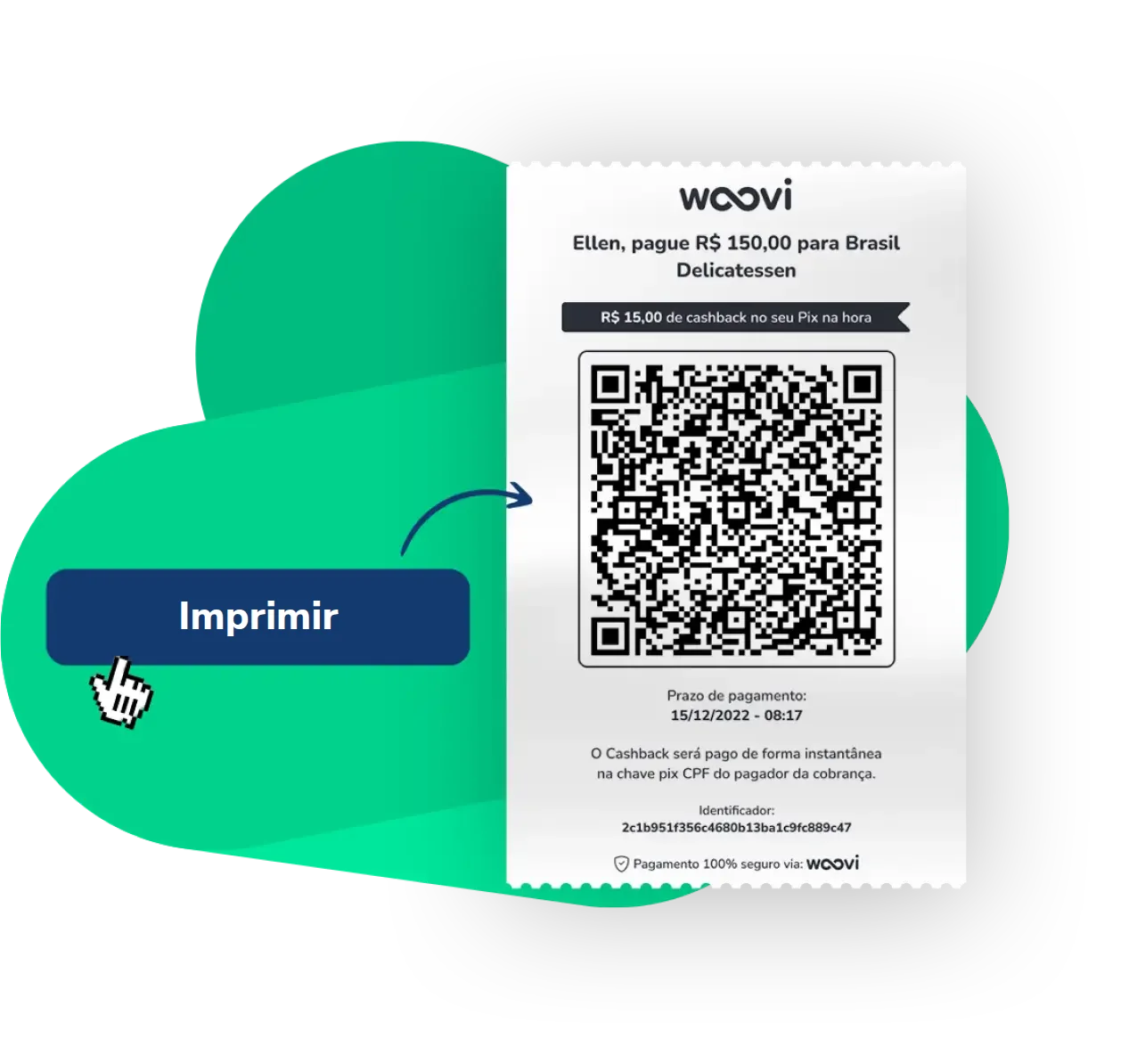
Open the charge and click Print on the machine (USB printer) or Print on the machine via Bluetooth. The first time, select your printer and click Connect.
Yes. Install the Woovi POS app for Windows and turn on the “Charge created” and “Charge paid” filters in your printer integration: it prints the Pix QR Code as soon as the charge is created and the receipt as soon as it is paid.
Any non-fiscal thermal printer connected to your computer. You can use the one you already have.
The fiscal printer is used to issue the fiscal coupon for the final consumer, in addition to being used in cash closings, monthly sales reports and cancellations. The non-fiscal printer, called a coupon printer, is generally used to print sales receipts and passwords. Therefore, the main difference between a non-fiscal printer and a fiscal printer is that the former does not have a fiscal memory and the security seal, the use of which must be supervised. In addition, there are no prerequisites for purchasing or using non-fiscal printers other than a fiscal printer.
It depends on your operating system. On macOS, no: plug in the printer and print. On Windows, yes: install your printer driver and, if it does not connect through the browser, reinstall the USB driver with Zadig (WinUSB). Linux is not supported yet.
No. Woovi POS works on a computer: Windows (browser or app) and macOS (Google Chrome, Edge or Opera browsers).
At the moment only in browsers: Google Chrome, Edge and Opera.
No. Woovi POS has no monthly fee and no equipment rental: you only pay the fee for each Pix received.
Sell more, sell easy. Charge with Woovi POS and get paid instantly.