Your US company can accept Pix. Get paid in dollars with Woovi.
US companies can accept Pix payments through Woovi: Brazilian customers pay in reais and you receive dollars, through a foreign exchange (FX) transaction, at the bank of your choice.
- Sign up with your company's EIN, no CNPJ needed
- Paid in dollars at the bank of your choice
- No card chargebacks
- QR code, payment link, WhatsApp and API
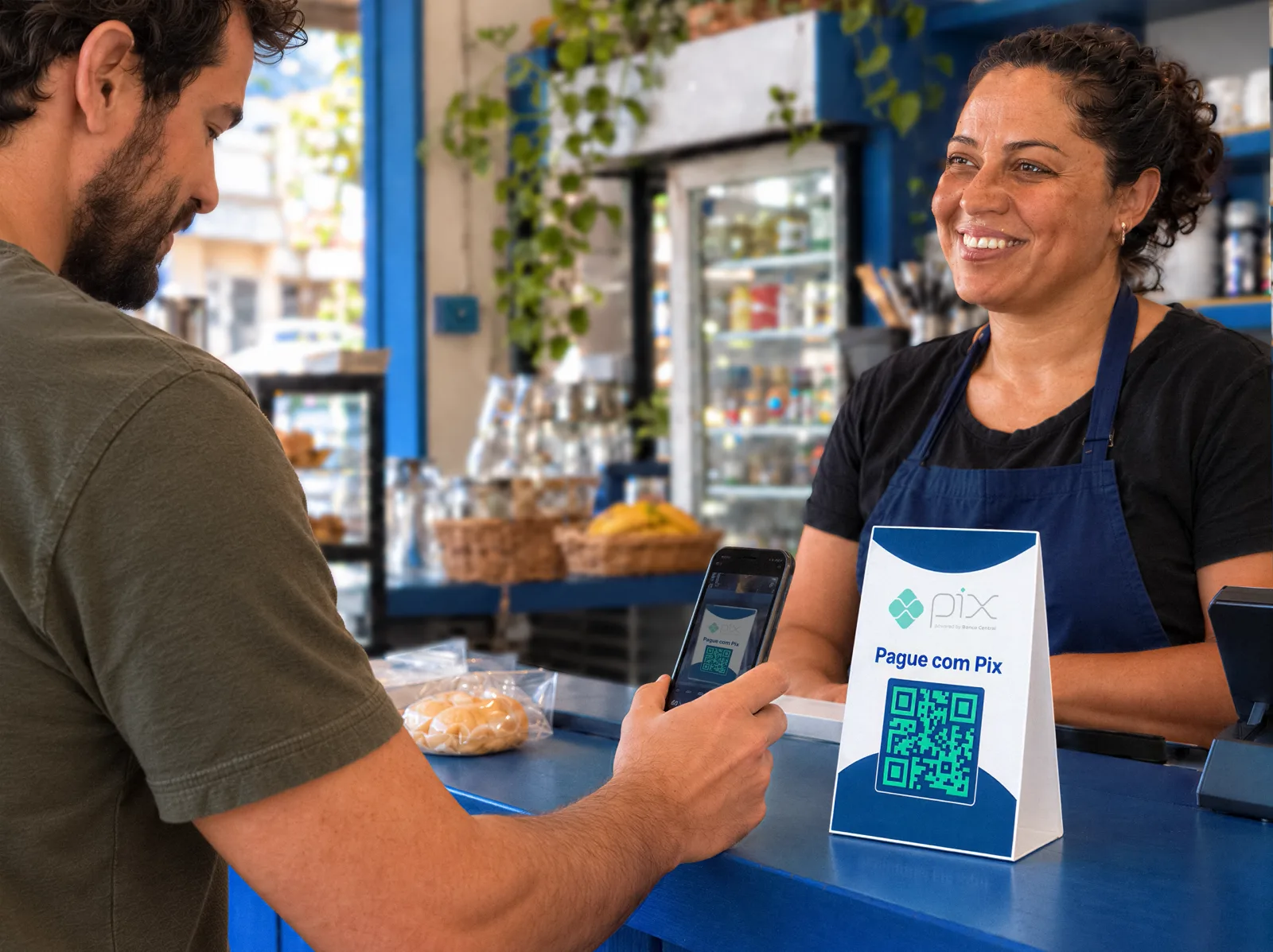
Brazilian customers want to pay with Pix
Tourists in Orlando, the Brazilian community in Boston or shoppers buying from your online store in Brazil: Pix is the first choice of anyone with a Brazilian bank account.
- Orlando
- Miami
- New York
- Fort Lauderdale
- Boston
- Newark
- Las Vegas
For the customer, it's a Pix. For your company, dollars in the bank.
- 1
Customer pays
Scans the QR code or opens the link and pays with Pix in reais, from any Brazilian bank.
- 2
We confirm
We receive the Pix instantly as a direct participant and identify the payer.
- 3
We handle the FX
The amount paid in reais is converted to dollars through a foreign exchange (FX) transaction, with the payer identified and real-time confirmation.
- 4
You receive dollars
The amount settles in dollars in your company's bank account, at the bank of your choice.
Charges, statements and reconciliation in one place, on Woovi's app, dashboard or API.
Simple, transparent pricing
At the counter, online or on WhatsApp
In-person sales
Pix QR code at the register or on the POS terminal. Customers pay from their banking app, just like in Brazil.
E-commerce, digital and WhatsApp
Pix checkout via API or payment link for stores, SaaS, education and travel.
B2B and services
Invoice companies and customers in Brazil with Pix.
Complete Pix infrastructure
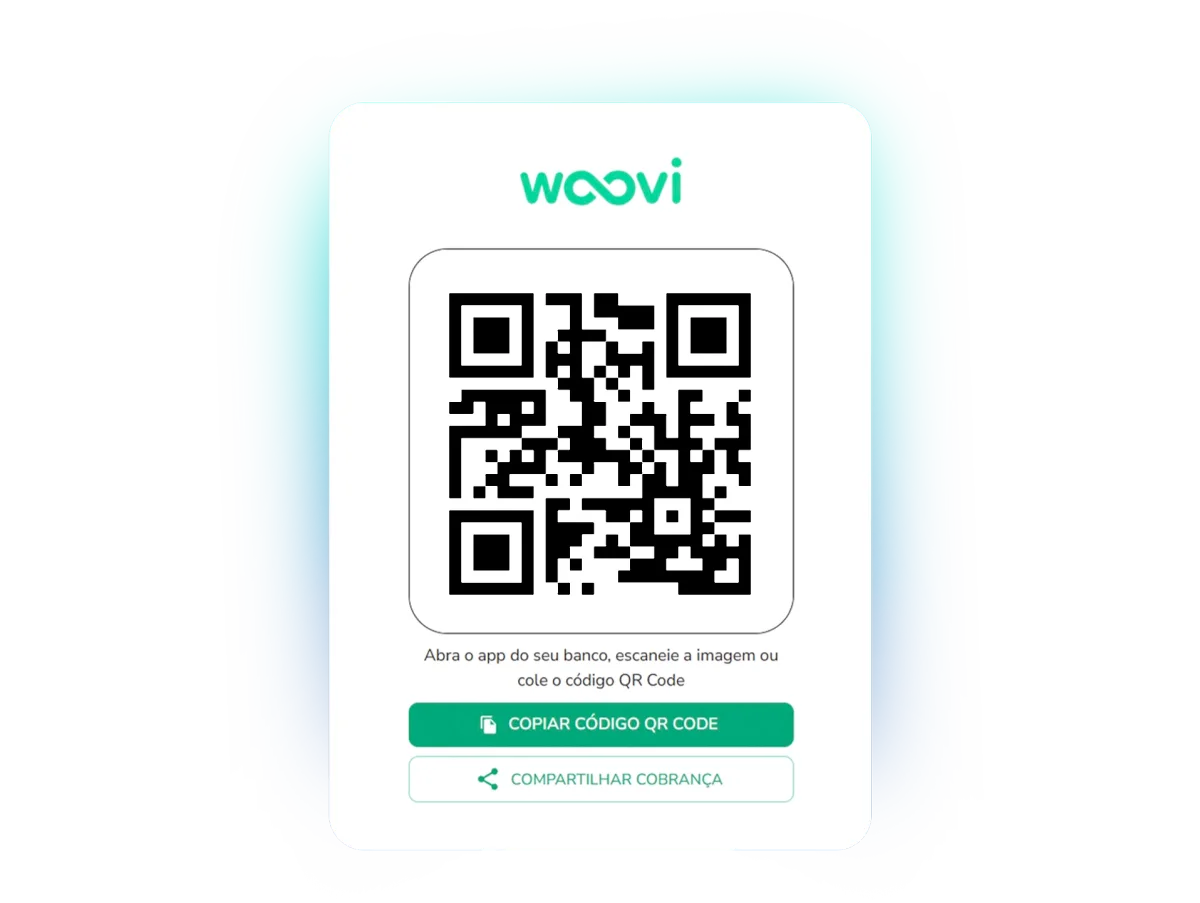
Dynamic Pix QR code
Create charges in a few clicks.
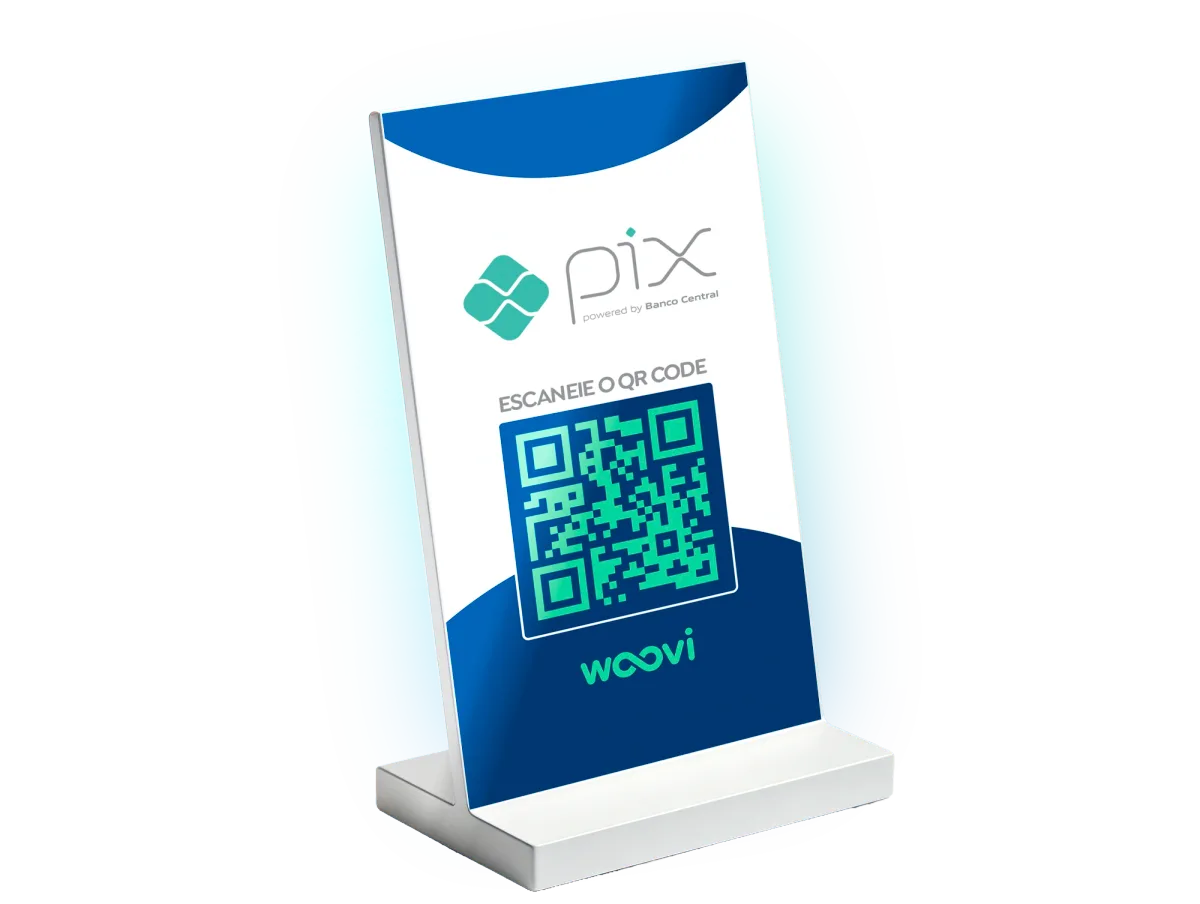
Static Pix QR code
Get paid with a fixed QR code at the point of sale.
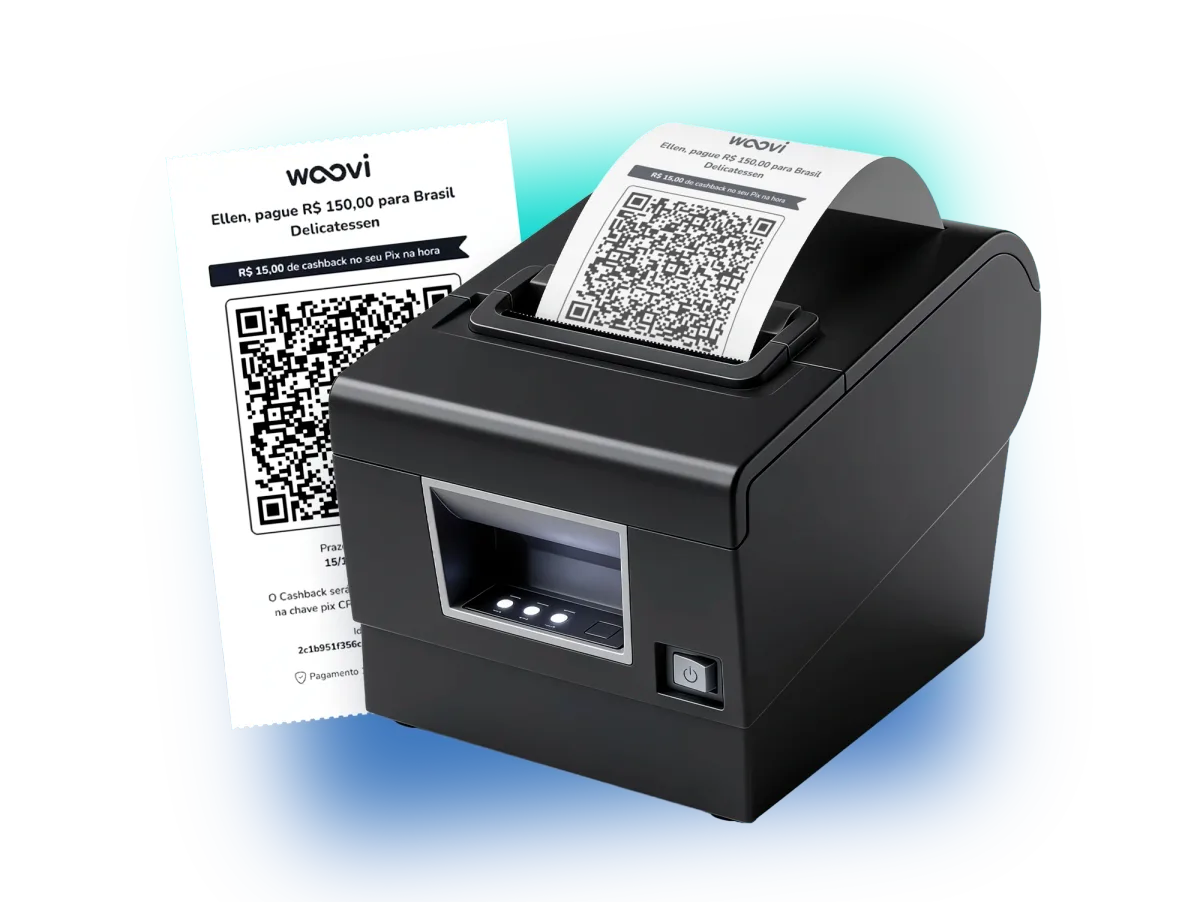
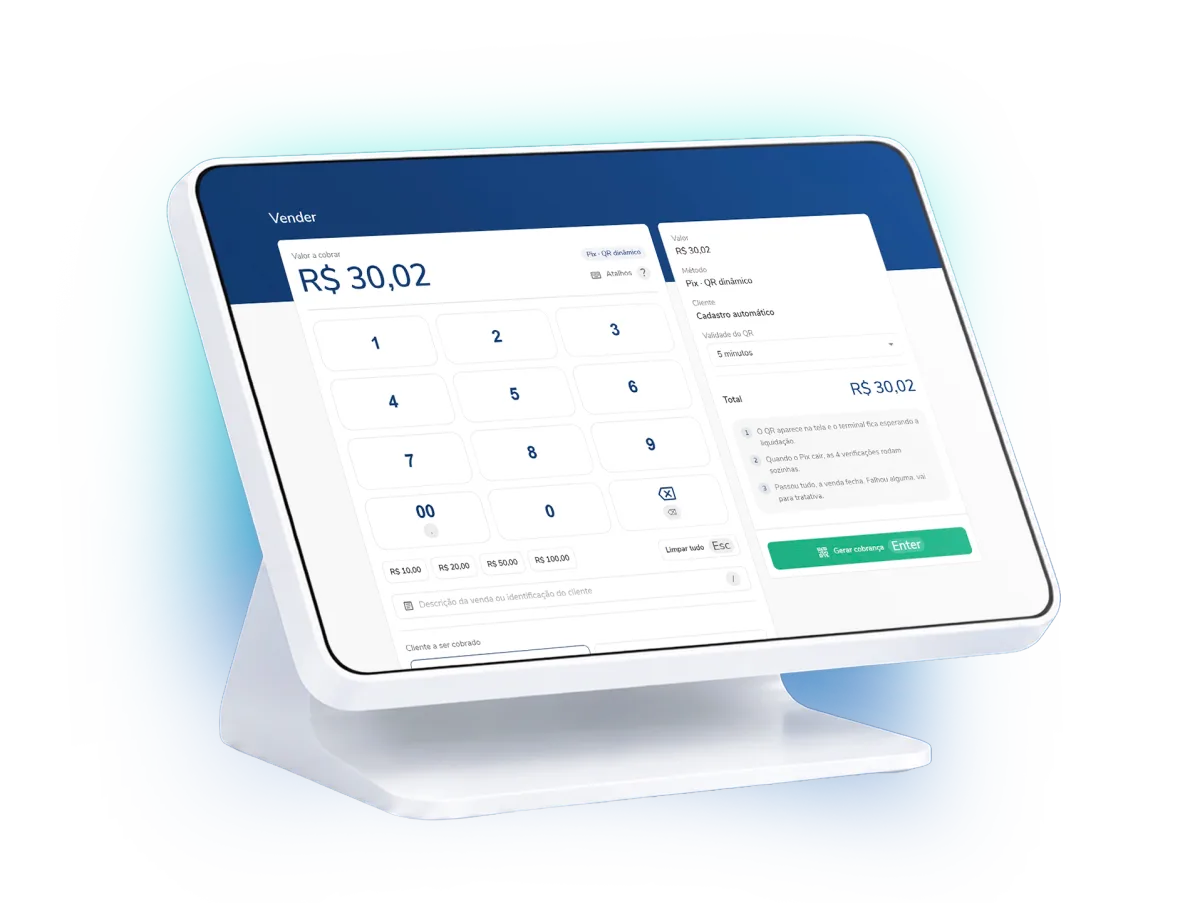
Pix POS terminal
Easy access and a simple interface, built to create charges and track the status of every payment.
Pix PDV
Print QR codes from the device you already use.
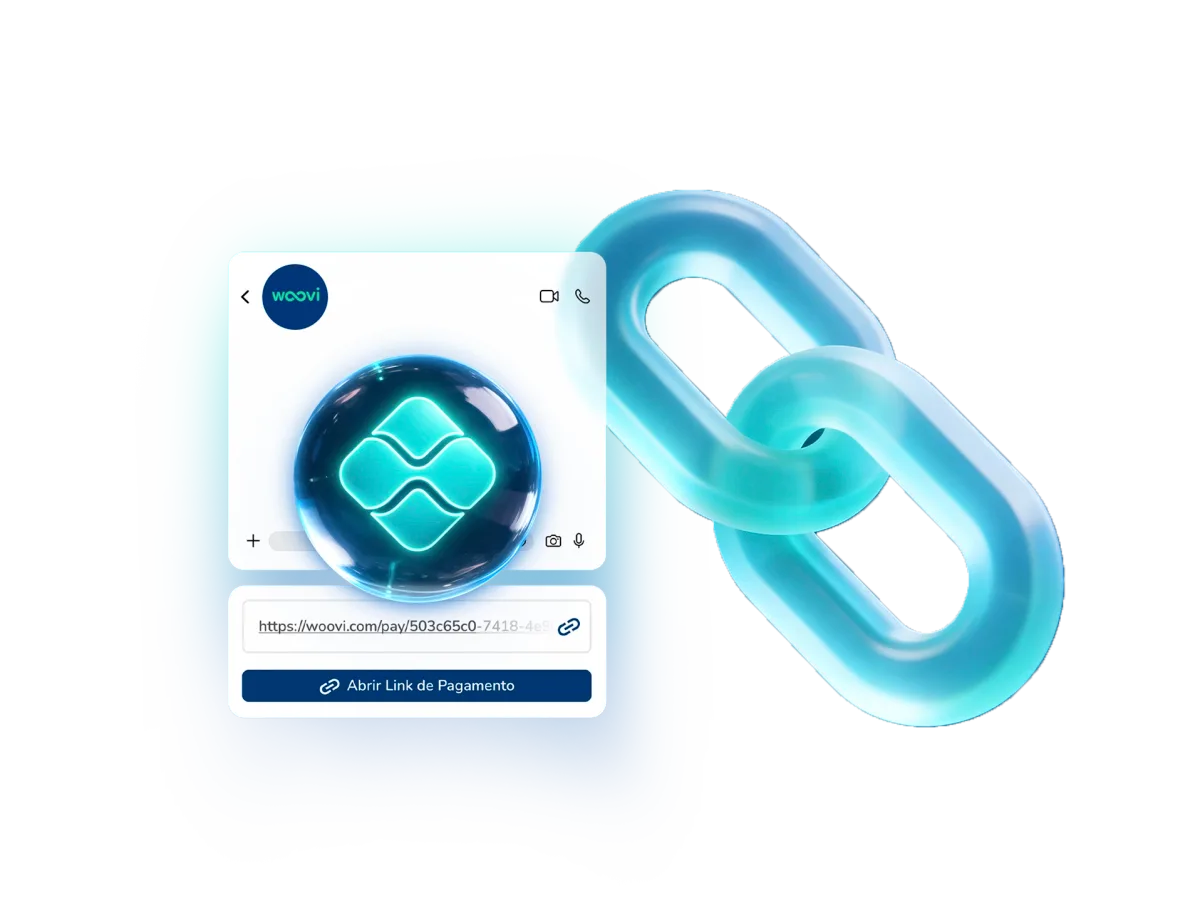
Payment link
Share charges easily on any channel.
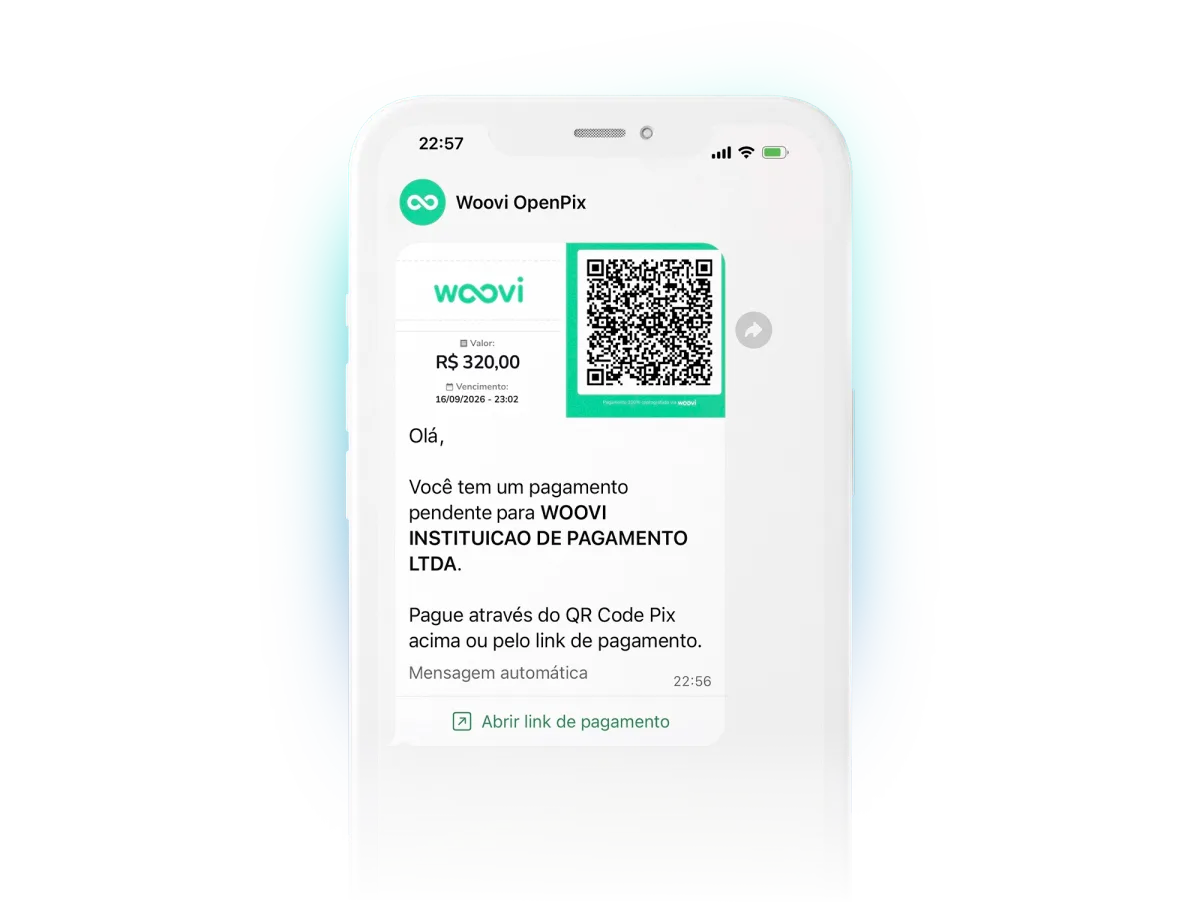
WhatsApp Pix
Send charges automatically with the official API, or manually.
Pix vs. card vs. cash
| Pix with Woovi | International card | Cash | |
|---|---|---|---|
| Payment confirmation | Instant | Authorized instantly, settled in days | Immediate |
| Chargeback risk | No card chargebacks | Yes, weeks after the sale | No |
| Fraud and counterfeit risk | Low | Medium | High |
| Depends on the customer's credit limit | No, it uses the account balance | Yes | Depends on what the customer carries |
| Clear final amount for the customer | Yes, in reais on the QR code | No, FX settles on the statement | Yes, but requires exchanging money first |
| Works online | Yes | Yes | No |
From sign-up to your first sale
- Step 1
Register your company
EIN, formation documents (Articles of Organization or Incorporation) and owner details.
- Step 2
Review and approval
Our compliance team reviews your company and enables payouts, in dollars at the bank of your choice, once it is approved.
- Step 3
Connect your sales channel
QR code on the terminal, tablet or phone. API or plugin for e-commerce.
- Step 4
Start receiving
Show the QR code, the customer pays in reais and you receive dollars at the bank of your choice.